Hotel & Airline Check-in
Capture guest details, room preferences, and travel documents directly on WhatsApp. No external apps required.
WhatsApp Flows
Build rich, powerful & flexible workflows natively on WhatsApp to engage users without taking them away from the chat window.
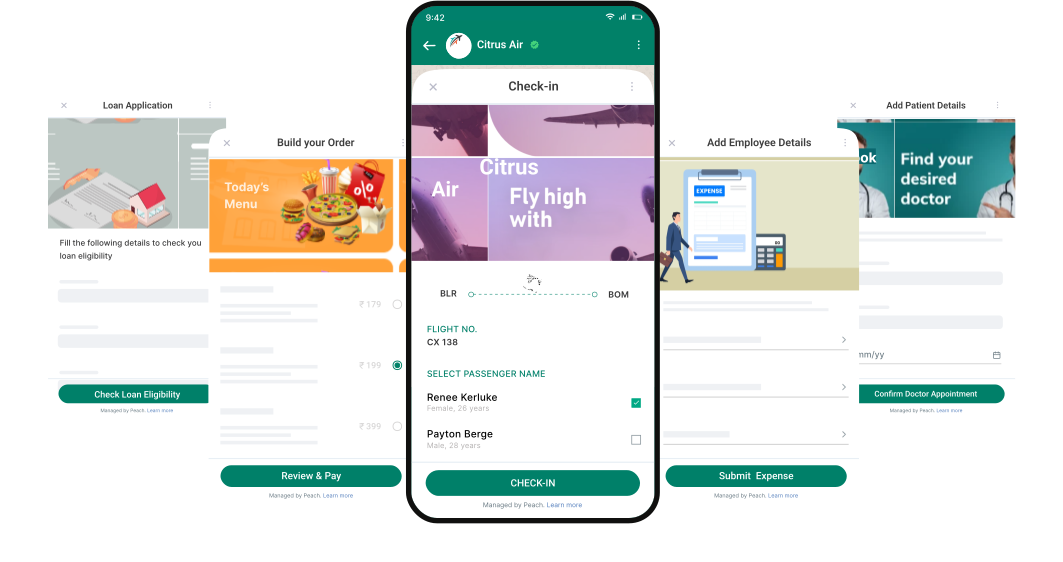
Trusted by scale brands





How it works
Build & launch apps for the 2Bn+ WhatsApp users. No installs, no learning curve.

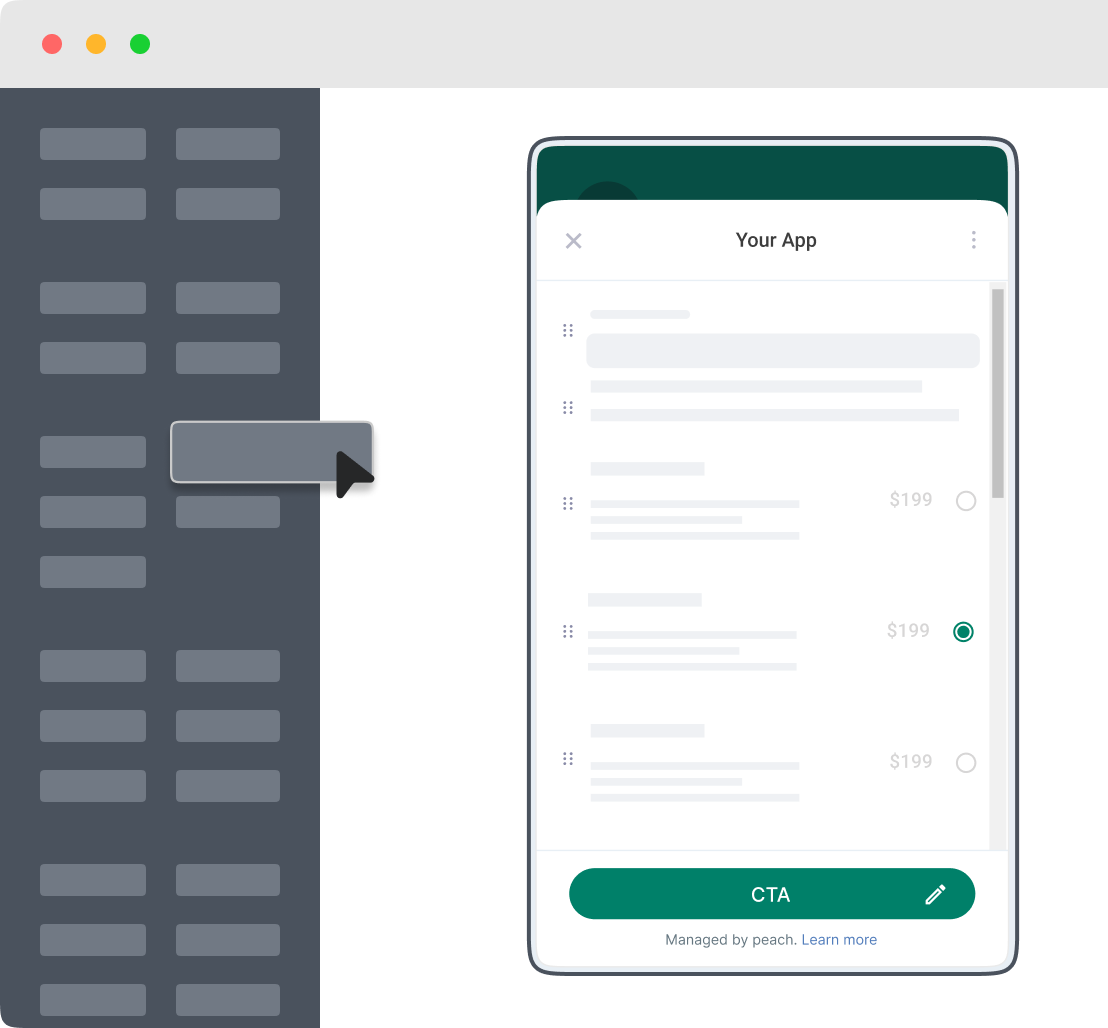
Design and publish your app using our app builder.

Share the app with your users on WhatsApp and elsewhere.

Sync data from your app to your internal software or CRMs.
Use Cases
Ready-to-use templates with built-in business logic to help you hit the ground running.
Capture guest details, room preferences, and travel documents directly on WhatsApp. No external apps required.
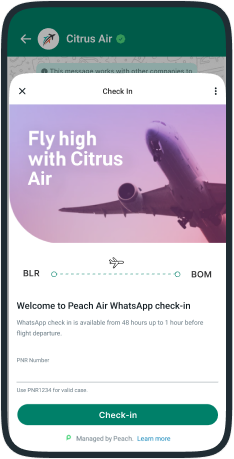
Lifecycle
Go beyond simple text messages. Use input and selection components to build a truly rich experience on WhatsApp.
Stop sending flat messages. Start building rich, interactive experiences that capture data and drive action.
For small projects or fast turnaround. Use our app builder.
For developers who need full control. Code using JSON.
Make it easy for your users to access your apps on WhatsApp
Get your users to start app journeys using broadcasts. Draft a message, upload your contact list and hit send to instantly get users to launch your apps.
Trigger apps on WhatsApp with a simple scan - Peach generates unique QR code for every app.
Allow your users to launch the app using a unique app url. You can share this link via email, SMS or social channels.
Trigger your apps using a simple REST call to our APIs. Or trigger from any of your apps using Zapier.
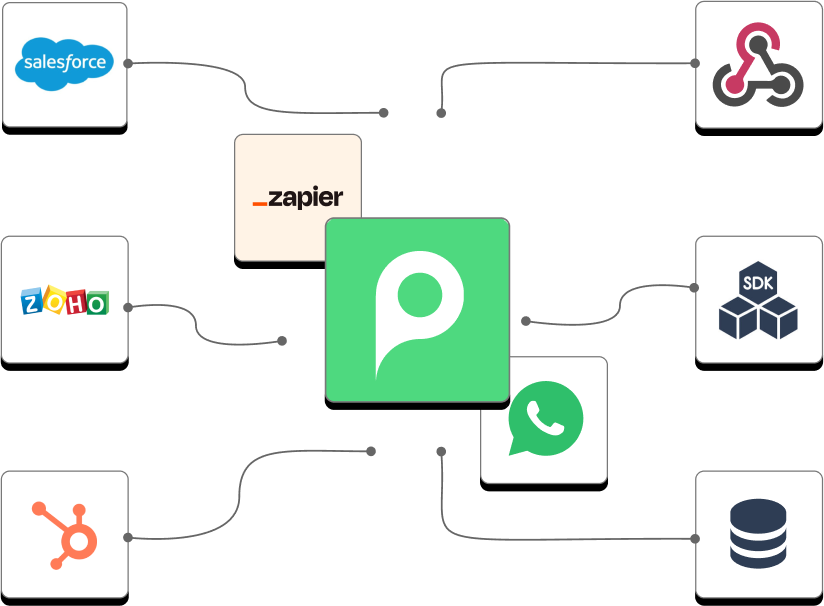
50+ Native Connectors
Seamlessly sync data captured in WhatsApp Flows with your existing tech stack. No manual data entry, no missed leads.
Connect APIs to push data to your internal systems.
Sync data from your apps into your CRM.
Connect Peach with 6,000+ apps of your choice via Zapier.
Comparison
Why rich interfaces beat simple text every single time.
Get access to all of Peach's powerful features to scale your business on WhatsApp.

Add your entire team and manage sales conversations at scale with internal notes and handoffs.

Broadcast to thousands with built-in conversion tracking and interactive scheduling.

Trigger automated follow-ups, payment reminders, and feedback loops based on user actions.
Security
We take security and compliance seriously. Peach is SOC 2 Type II certified, trusted by thousands of businesses to build secure and compliant AI Agents and workflows on WhatsApp.

Peach is an official meta tech partner and only uses authorized APIs provided by meta.

All data is encrypted at rest and in transit. We use industry-standard encryption algorithms.
Frequently asked questions
Can't find the answer you're looking for? Reach out to our support team.
Join the leading brands using Peach to automate their WhatsApp operations and delight customers.