Zapier chains create latency and hidden costs
Webhook chains and URL redirects are hard to debug, slow to update, and disconnected from native HubSpot workflow actions.
Shared Inbox · Sync Chat · AI Agents
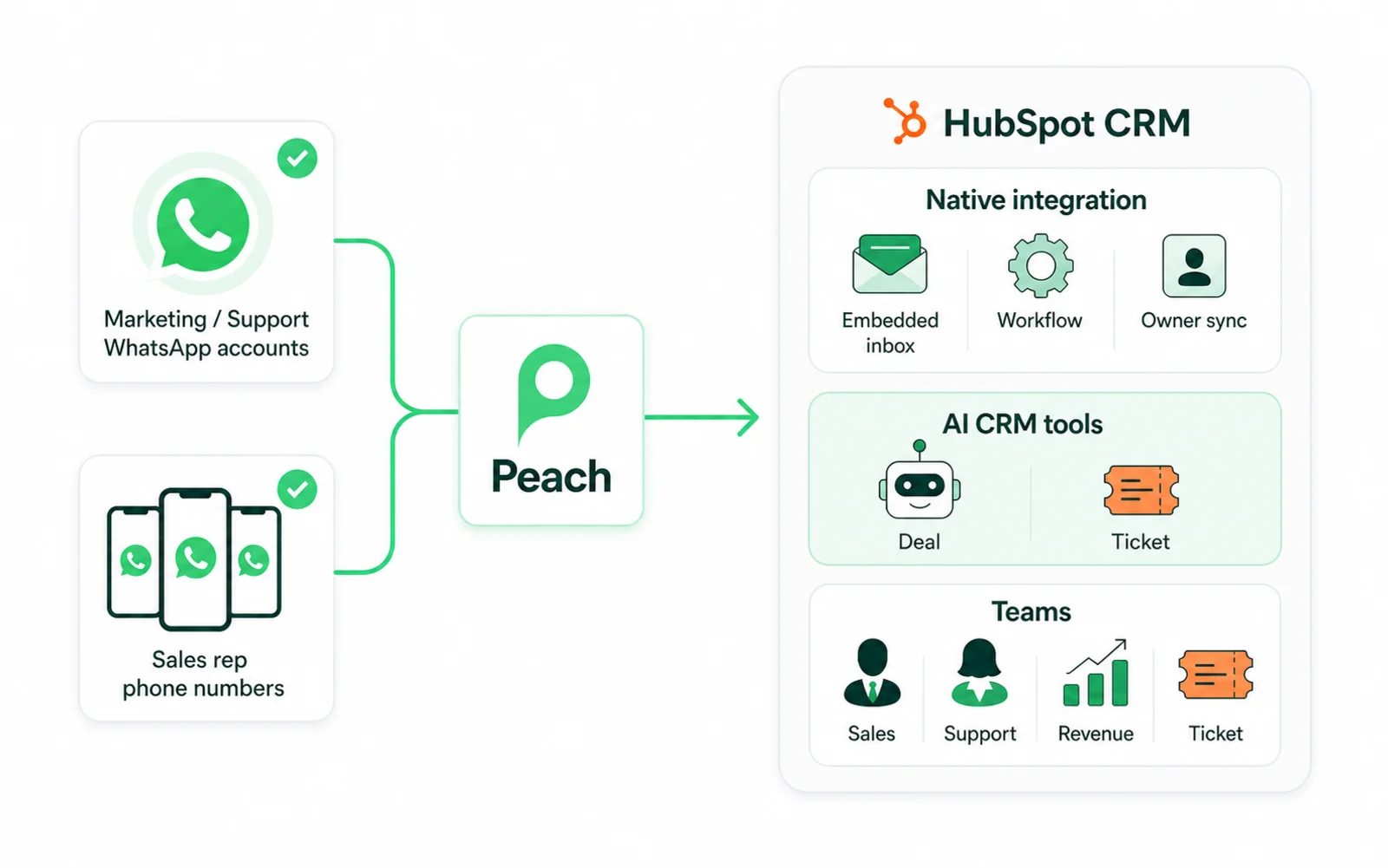
Whether your business uses one official WhatsApp number or many rep-owned WhatsApp Business numbers, Peach brings conversations into HubSpot workflows, owner sync, AI agents, and CRM writeback.
The bottleneck
Most teams end up choosing between rep speed, CRM hygiene, and buyer experience. Peach is built so you do not have to trade one for another.
Webhook chains and URL redirects are hard to debug, slow to update, and disconnected from native HubSpot workflow actions.
Teams still copy context, chase owners, and manually log the conversation details that should already live on the customer record.
Decision trees can collect answers, but they do not read company context, update deal stages, create tickets, or hand off intelligently.
Choose your setup
Start from your current operating model. Use one central business number, individual team numbers, or both.
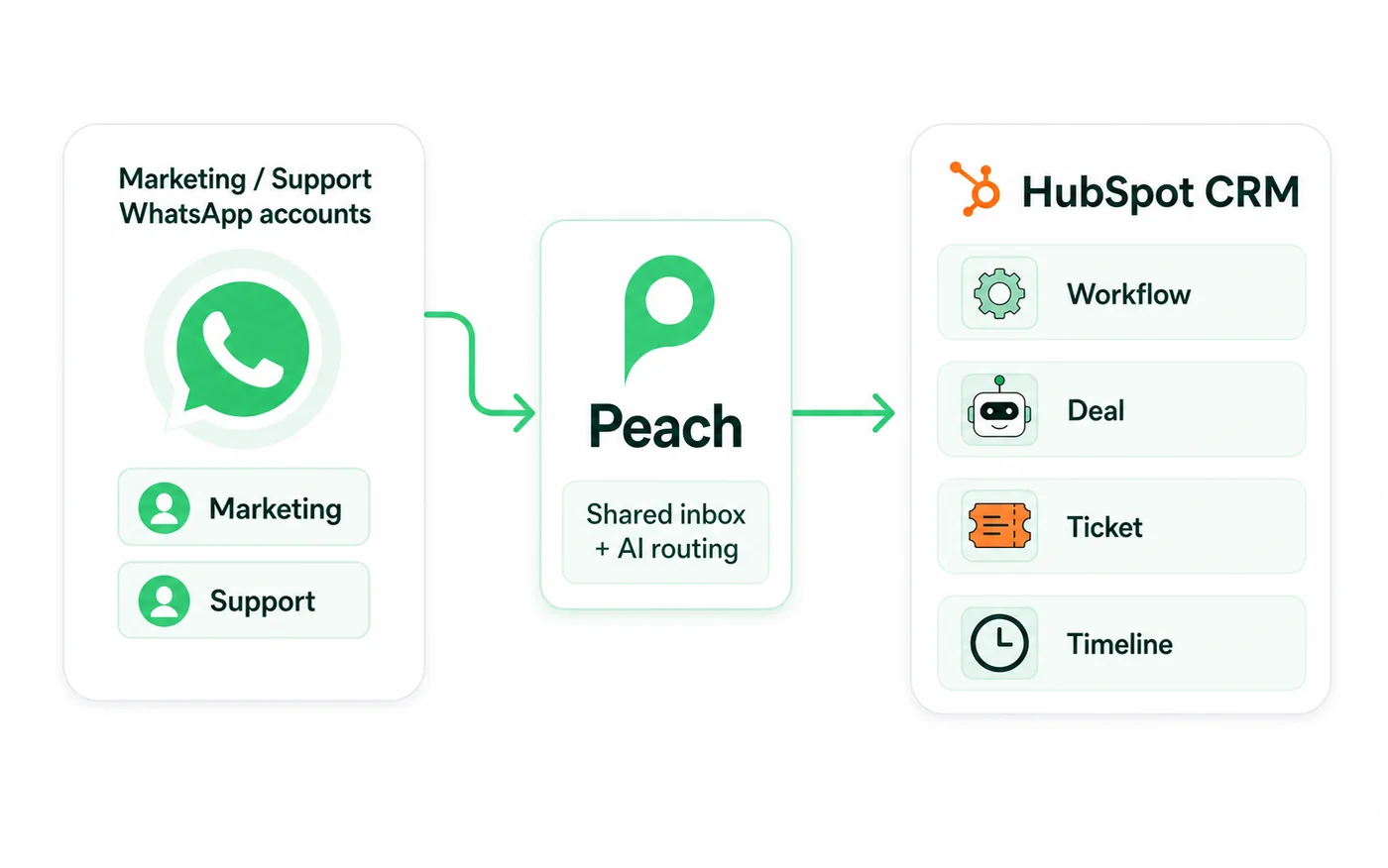
Use Peach as the shared inbox and AI layer for one central business number, then push the right updates into HubSpot workflows, deals, tickets, and timelines.
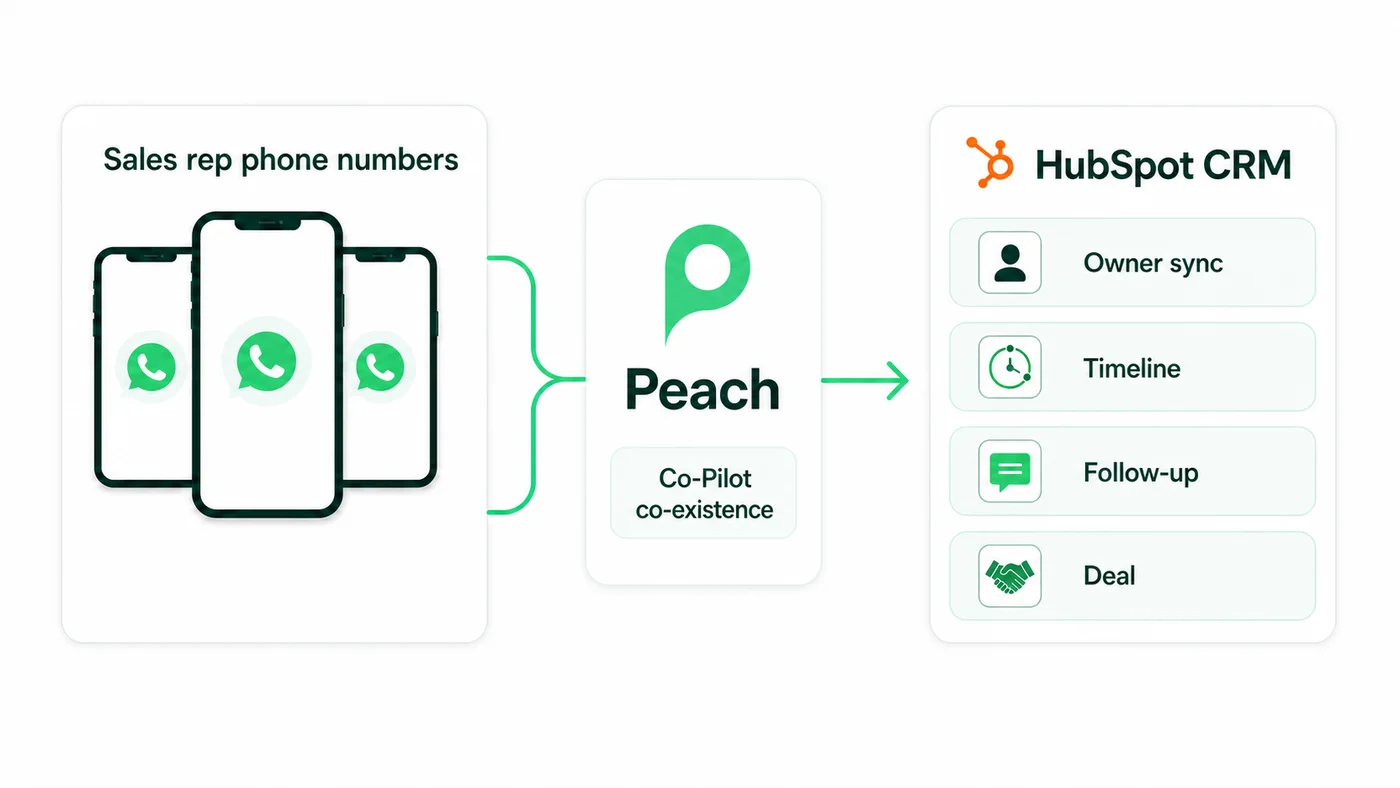
Use coexistence when sales or service teams work from individual numbers. Peach syncs context, ownership, and follow-ups back into HubSpot.
Native HubSpot integration
Peach embeds into your CRM workspace and adds first-class workflow actions, so revenue and support teams can move faster without splitting customer context.
View full conversation threads, opt-in status, active pipeline enrollment, last-message timestamps, template drawers, and assignment controls from HubSpot records.
Send templates, send service-window texts, enroll in Peach pipelines, connect contacts to AI agents, and assign conversations directly in HubSpot Workflows.
Map HubSpot Contact Owners to Peach agents so CRM ownership and WhatsApp conversation ownership stay in sync as reps claim or reassign chats.
Sync static and active HubSpot lists into Peach segments, and keep custom contact properties aligned across both systems.
Match subscribers using external CRM IDs, normalized phone numbers, or email addresses to reduce duplicate and ambiguous records.
AI agent CRM tools
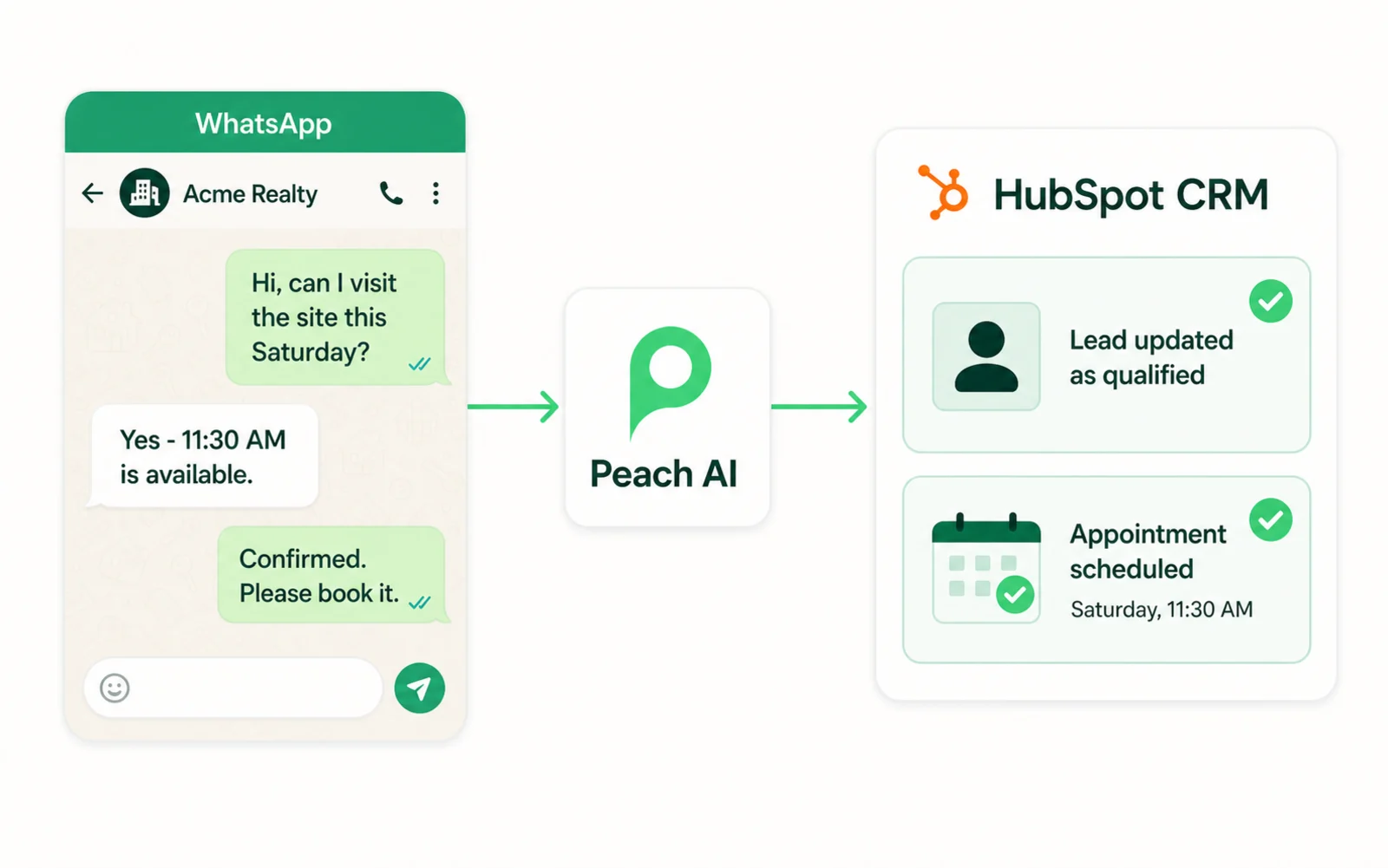
Peach agents do more than answer questions. They can use HubSpot tool calls during WhatsApp conversations to keep sales and support records current.
Teams
Each team gets the WhatsApp workflow it needs, while RevOps keeps one clean CRM record of the customer journey.
Trigger WhatsApp follow-ups after forms, qualify leads with AI agents, and create deals automatically when buyer intent is clear.
Let agents triage issues, open HubSpot tickets, append summaries, and escalate to human teams with the full conversation attached.
Manage the integration from Peach settings with OAuth authorization, webhook verification, owner mapping, and list sync controls.
Workflow recipes
Use native actions in HubSpot Workflow Builder instead of stitching together external middleware.
Use central WhatsApp accounts for marketing, support, sales queues, and official business conversations. Use rep-owned numbers when your sales or service reps already build relationships from their own WhatsApp Business App numbers.
Central accounts are better when conversations belong to the company, not an individual rep. They help with shared visibility, team handoffs, privacy, data security, and making sure customer history stays with the business.
Yes. If your business relies on reps directly interacting with customers from their own WhatsApp Business numbers, Peach can still connect those conversations to HubSpot so context, ownership, and follow-ups do not get lost.
Yes. You can trigger WhatsApp messages, route conversations, move contacts into Peach pipelines, and start AI agent handoffs from HubSpot automation rules.
No. Peach brings the conversation context, customer status, message actions, and assignment controls closer to the HubSpot record, so reps can work with less tab-switching and manual CRM cleanup.
Yes. Peach can match WhatsApp conversations to HubSpot contacts, keep owners aligned, update fields, log notes, and help create deals or tickets from live customer conversations.