The CEO’s Guide to WhatsApp Business Calling: A Strategy for 2026
For the last decade, businesses were told that phone calls were "intrusive" and "dead." We were told customers only wanted to text.
I. The Two WhatsApps: Don't Fall into the App Trap
That is no longer true.
Recent data shows that 76% of customers actually want to switch instantly from chatting to calling when a problem gets complicated. They just don’t want to do it the old way—quitting the app, searching for a support number on Google, dialing, and waiting 15 minutes on hold listening to elevator music.
WhatsApp Business Calling solves this friction. It allows a customer to be in a chat with your brand and simply tap a “Call” button to speak to a human agent instantly, without ever leaving the app.
However, for medium and large businesses, this isn’t just a free feature you turn on. It is a sophisticated piece of technology with strict rules, costs, and geographic walls.
This guide cuts through the technical noise to explain exactly how to set this up, how to automate it with Peach AI, and how to avoid getting your number banned.
To use calling effectively, you first must understand that there are two different WhatsApps for business. If you choose the wrong one, you will hit a ceiling you cannot break through.
This is the free app you download from the App Store. It lives on one physical phone.
The Limit: It is tied to one device. If you have 10 sales agents, they cannot all use it simultaneously.
The Risk: If that one phone runs out of battery, your entire business line goes dead.
Calling: It works exactly like a personal call—free, but unscalable.
This is what Peach AI uses. It is not an app on a phone; it is software that connects WhatsApp to your company’s computer systems (CRM or Support Dashboard).
II. Architecture & Infrastructure: The Hidden Constraints
The Power: You can have 1,000 concurrent calls happening at the same time on a single phone number.
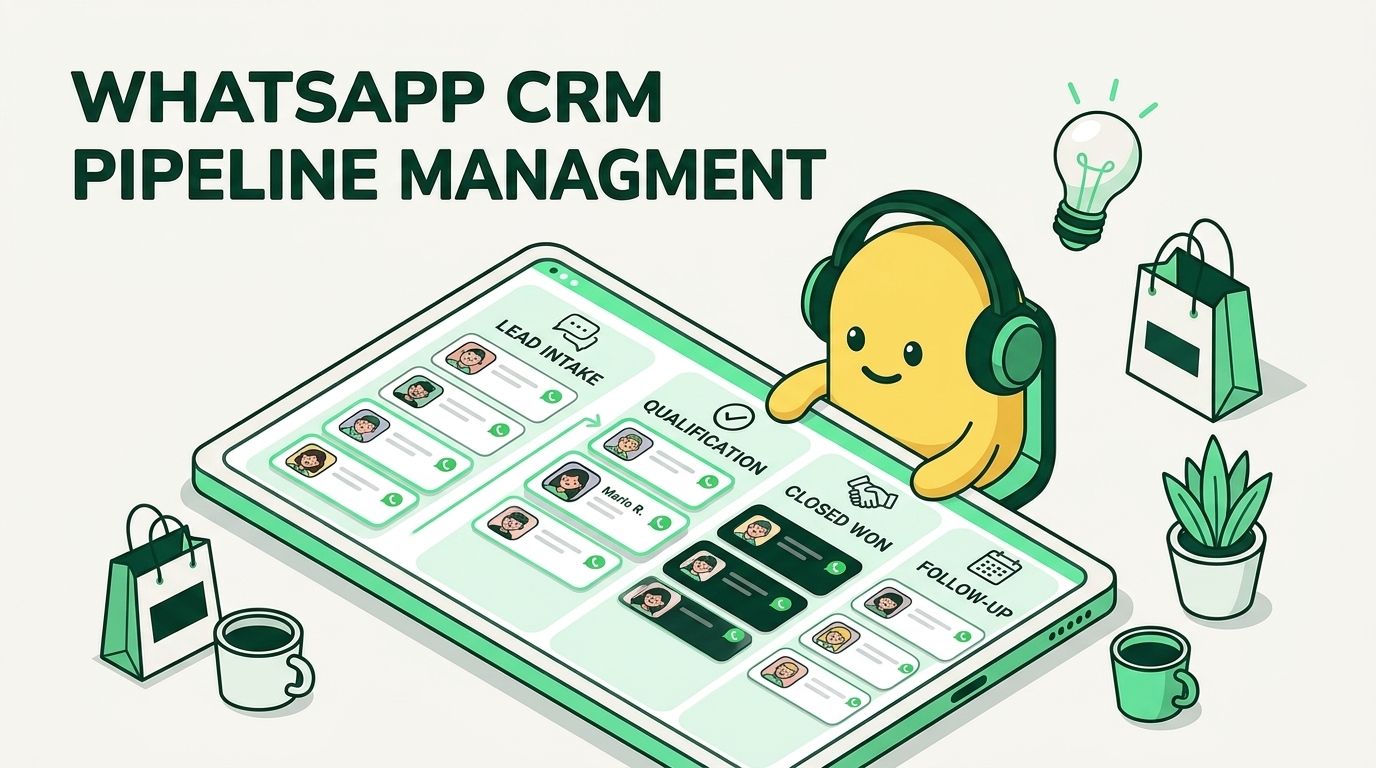
The Workflow: Messages go to a shared inbox. An AI agent qualifies the lead via text, and if the customer needs to talk, the call is routed to the next available human agent’s headset.
Why switch? On the free app, if your “business phone” is busy, the customer waits. On the API, the call routes to any available agent on your team, ensuring you never miss a lead.
Moving to the API is a fundamental change in your communication infrastructure. Unlike standard phone lines that rely on the PSTN (Public Switched Telephone Network), the WhatsApp Business Calling API operates entirely on WebRTC (VoIP).
This brings specific architectural constraints you must plan for.
Many businesses are tempted to use WhatsApp Coexistence—a feature allowing you to keep the free app on your phone while running the API on your desktop.
⚠️ Warning: While this sounds convenient, it often breaks the Calling API. Major providers report that Enterprise Calling features may fail or behave unpredictably if your account is in “Coexistence” mode.
The Fix: Choose one lane. For scalable calling, you must migrate fully to the pure API (via Peach AI) and delete the account from the personal app.
For contact centers, “scalability” is usually unlimited. WhatsApp has a hard number.
The Hard Limit: A single WhatsApp Business phone number can handle a maximum of 1,000 concurrent inbound and 1,000 concurrent outbound calls.
The Implication: If you run a massive broadcast event or a flash sale expected to trigger 5,000 simultaneous calls, you will hit a ceiling. Plan your campaigns accordingly.
III. The 2026 Financial Model: Arbitrage & ROI
Before you scale your sales team, you need to look at a map. While you can receive calls from anywhere, WhatsApp places strict geographic walls on Business-Initiated Calls (Outbound).
Feature
Supported Regions
Restricted / Blocked Regions
Inbound Calls (User calls you)
Global
None (except sanctioned nations)
Outbound Calls (You call User)
Blocked: USA, Canada, Turkey, Egypt, Vietnam, Nigeria
The Peach AI Strategy for Red List Regions: If your customer is in New York or Lagos, do not try to call them—it will fail. Instead, have your AI agent send a message: “Tap here to speak with us.” When they tap the button, it counts as an Inbound Call, which is permitted globally.
If you are used to paying a flat monthly fee for a business phone line, the WhatsApp Business API pricing model will look different. As of January 2026, the model is dynamic and granular.
IV. The Peach AI Advantage: Recording, Summaries & Widgets
However, if you play it right, it is significantly cheaper than traditional international telephony.
You are no longer charged per “conversation window.” You are charged per message template.
Marketing Messages: The most expensive category (e.g., in India, rates are hiking from ₹0.7846 to ₹0.8631 effective Jan 2026).
Utility Messages: Lower cost (e.g., order updates).
Service Messages: Free (when replying to a customer within the allowed window).
Here is the secret weapon for ROI: Inbound Calls are Free.
Outbound: If you dial out to the customer, you pay per minute.
Inbound: If the customer calls you, you pay $0.
The Loophole: When a customer calls via a Click-to-WhatsApp Ad, it triggers a 72-hour Free Entry Point window, allowing 3 days of free engagement.
(Recommended Image: A flowchart showing “Cost of Outbound Call ($0.05)” vs “Cost of Peach AI Inbound Strategy ($0)”)
Our recommendation: Use Peach AI to engage and qualify the customer via text. Once interest is established, prompt them to push the “Call” button. You get a qualified lead on the phone for free, bypassing per-minute fees.
VI. The Implementation Roadmap: Getting Started
Most generic tools stop at the basics. But if you are managing a team, you need tools to track performance. The standard WhatsApp API does not record calls or store audio. Peach AI fills this gap with three specific layers of intelligence.
Because Peach sits between Meta and your dashboard, we can intercept the audio stream.
The Feature: Every voice conversation is automatically recorded.
The Benefit: You don’t need third-party recording software. The audio file and a full text transcript are instantly attached to the customer’s profile in your dashboard.
Your sales manager doesn’t have time to listen to 500 calls.
The Feature: After every call, Peach AI generates a “One-Paragraph Summary” identifying the customer’s intent, the outcome, and the sentiment.
The Benefit: You can scan a list of 100 calls in minutes to see who closed a deal and who was angry, without listening to a second of audio.
Your agents shouldn’t have to switch tabs between their CRM and WhatsApp.
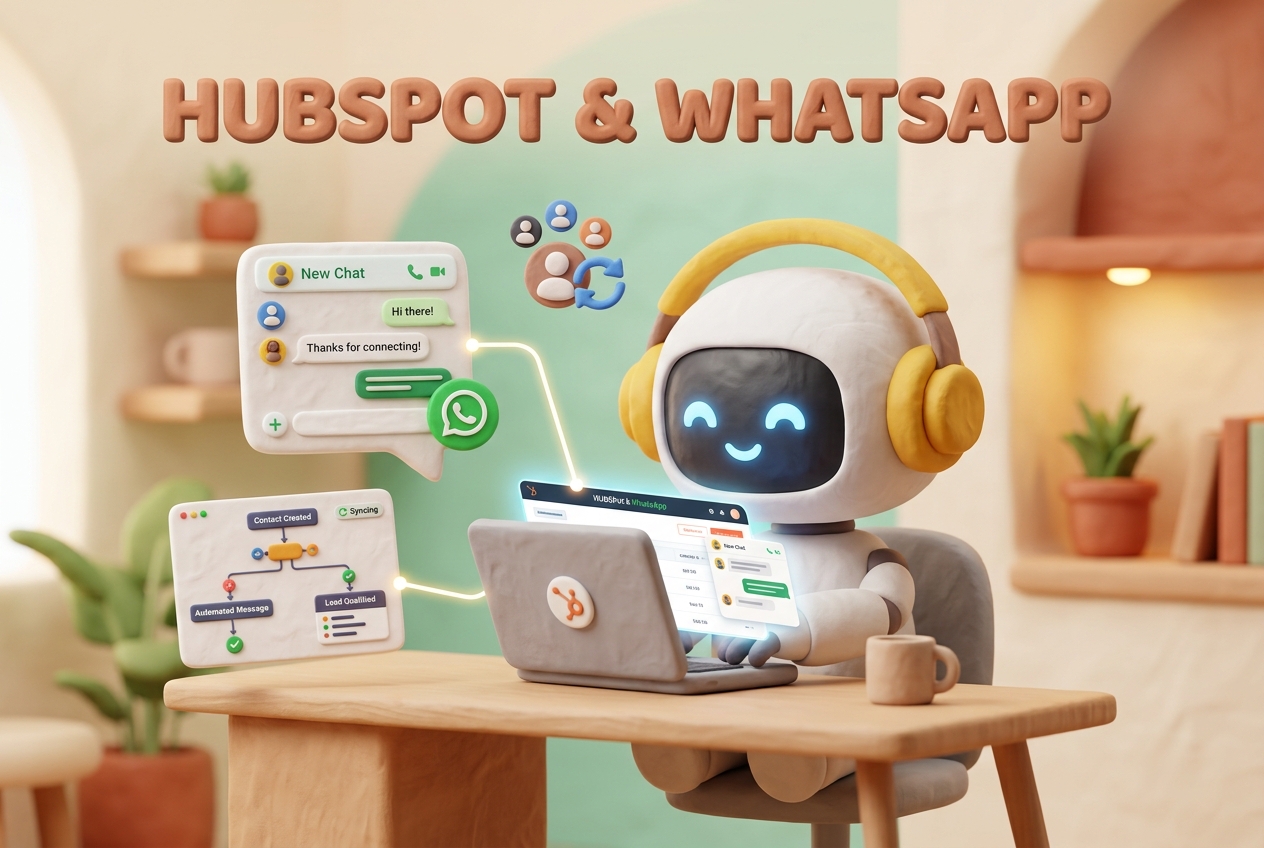
The Feature: Peach provides a pre-built WhatsApp Call Widget that you can embed directly into your internal CRM (like Salesforce, HubSpot) or your custom web application.
The Benefit: Agents can click to call or answer WhatsApp calls directly from the screen where they view customer data.
V. The “Don’t Be Annoying” Rules: Avoiding the Ban
1. The Mom & Pop Version (WhatsApp Business App)
WhatsApp operates on a strict “Permission Economy.” Meta’s priority is user privacy, not your sales targets. If you treat WhatsApp like a cold-calling list, your number will be banned.
Even if a customer gives you permission to call, that permission is not permanent.
The Rule: If you call a customer and they don’t answer 4 times in a row, Meta automatically revokes your calling permission.
The Consequence: You cannot call them a 5th time. You must send a text message asking for permission again.
A customer clicking “Call Me” doesn’t give you permission to call them forever.
The Timer: Once a customer grants permission (or you send a request they approve), you have a 72-hour window to initiate the first call.
The Extension: Once you connect that first call, the permission extends for 7 days. Speed is critical.
Setting this up isn’t as simple as downloading an app. Because the API connects to your company’s “brain” (CRM), it requires a specific setup flow.
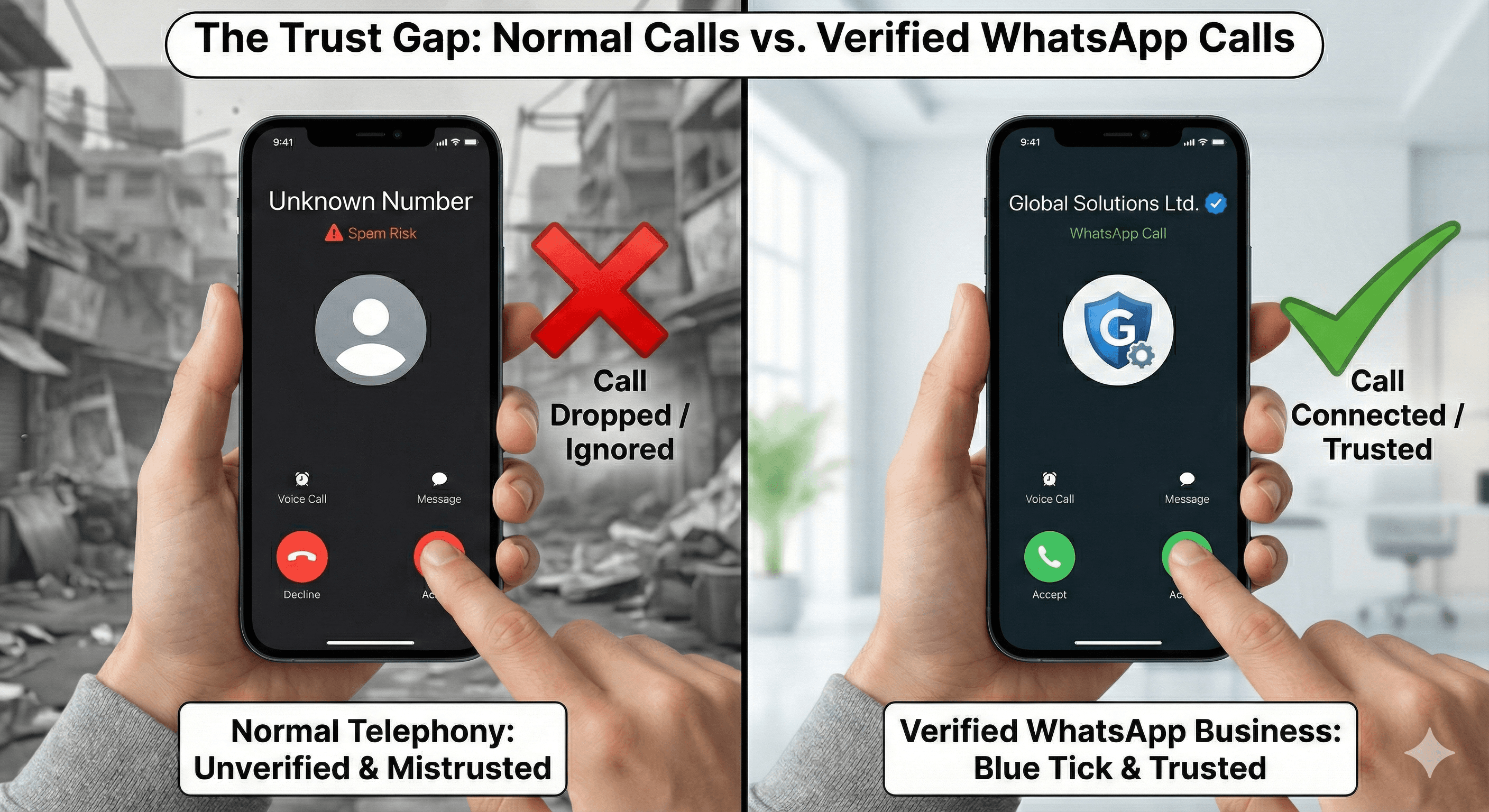
Without the Official Business Account (OBA) badge (the green tick), your calls may show up as a “Unknown Number” to customers. Peach AI guides you through the Meta Business Verification process to ensure your brand name and logo appear clearly on their screen, increasing answer rates by over 20%.
You cannot use a phone number that is currently active on the personal WhatsApp app.
The Fix: Most businesses buy a new virtual phone number specifically for the API to avoid deleting old chat history.
2. The Enterprise Version (WhatsApp Business API)
This is where Peach AI separates itself. We don’t use robotic Voice AI that frustrates customers. We use a Text-First, Voice-Closing model.
AI Qualification (Text): The Peach AI agent chats with the customer 24/7. It answers FAQs, checks pricing, and qualifies intent.
Context Transfer: If the lead is hot, the AI offers a “Call” button.
The Human Hero (Voice): When your human agent picks up via the embedded widget, they see the AI summary and full transcript. They don’t ask “How can I help?”; they ask, “I see you’re ready to move forward with the Enterprise plan, let’s get that done.”
Note on Prerequisites: To unlock calling, your number must typically be in the Tier 2 messaging category (1,000+ conversations/day).
The Peach Team
Expertise in WhatsApp Sales & AI